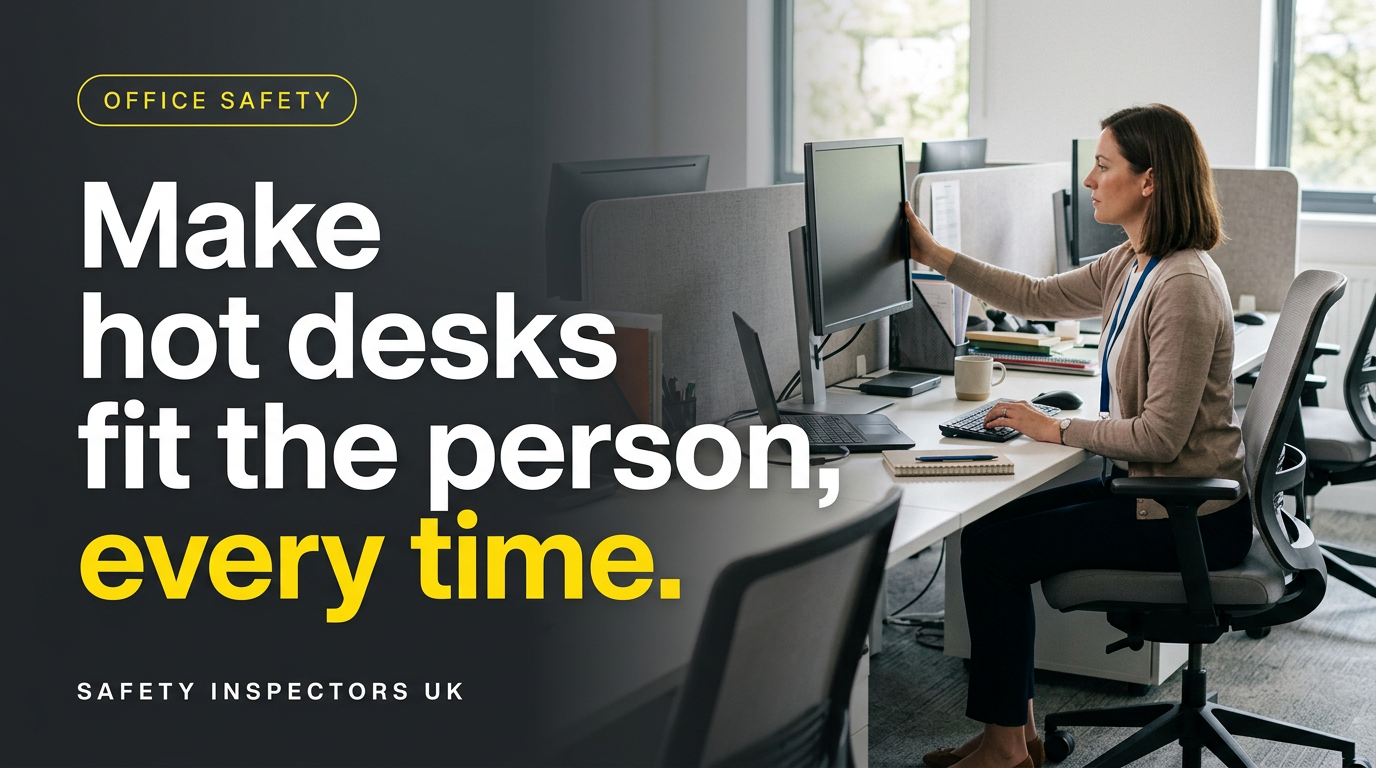
Hot-desking DSE assessments · Guidance for office managers
The desk is available. The chair is too low. The screen has been moved. Your employee plugs in and gets on with the day.
That is the management gap with hot-desking: a workstation that suited yesterday’s user may not suit today’s. A booking system can allocate a seat, but it cannot check whether someone can work comfortably once they sit down.
For professional-services and administrative teams across the North East, the useful question is simple: can each person adjust the desk setup, get the equipment they need and have problems put right?
A desk assessment must account for its users
HSE’s display screen equipment guidance explains that the DSE Regulations apply to workers who use screens daily for continuous periods of an hour or more. The duties include assessing workstations, reducing risks and providing training and information. They apply to hot-desking as well as fixed workstations.
This is Great Britain guidance, relevant to offices in England, Scotland and Wales. It is not a new local rule. HSE advises workers who regularly change desks to carry out a basic risk assessment; that does not transfer the employer’s responsibilities to the employee.
HSE’s detailed guidance on shared workstations says the assessment should consider all the users covered by the Regulations. Check the range of adjustment available, rather than assuming identical furniture suits everyone.
Make adjustment possible before asking staff to adjust
Start with the equipment people actually find. Does the chair adjust properly? Can they position the screen in front of them? Is there room for their legs, or has the space become storage? A missing keyboard or incompatible docking cable can turn an equipped desk into an all-day laptop station.
Show staff how to adjust the chair and back support, bring the keyboard and mouse within comfortable reach and position the screen to avoid awkward turning. HSE’s posture guidance illustrates a screen around arm’s length away, with its top at eye level. Individual needs may require a different arrangement.
For prolonged laptop work, consider a separate screen or raising the laptop with a separate keyboard and mouse. Choose equipment through the assessment. Keep agreed individual equipment accessible, and make sure another user cannot casually remove an adjustment someone depends on.
Turn desk complaints into practical improvements
A workplace inspection can help you identify equipment, layout and management issues and agree priorities for putting them right.
A completed form is the start of the action
A self-assessment can help staff describe their setup and discomfort. HSE’s assessment guidance says software is not an assessment on its own: a trained assessor should review results, clarify uncertainty and make sure problems are corrected.
Avoid closing a report with “new chair ordered”. Record what will happen while the person waits, who is arranging the change and when its effectiveness will be checked. Ask the user whether the change helped. If discomfort persists or the needs are complex, seek suitable competent advice rather than repeatedly issuing generic reminders.
Review arrangements when users or workstations change, or pain and discomfort are reported. Where staff work both at home and in the office, HSE’s home-working guidance says the assessment should cover both situations.
Do not let the workload cancel the breaks
A well-adjusted chair does not remove the need to vary the working day. Employers must plan breaks or changes of activity for DSE users. HSE’s work-routine guidance favours shorter, more frequent breaks over longer, less frequent ones; it does not set one legally fixed timetable for every job.
Look at the actual diary and workload. Back-to-back screen meetings followed by screen-based administration may leave no useful change. Agree opportunities to move, stretch or undertake suitable non-screen tasks, and ensure managers allow them in practice.
Six checks for your next office walk-round
- Ask users. Which desk do they avoid, and why? Listen for missing equipment, glare, discomfort and adjustments they cannot make.
- Try the controls. Check chairs and monitor adjustments work. Arrange repair or a suitable alternative for faults.
- Check the essentials. Make keyboards, mice and connection equipment available where needed, with clear responsibility for replacements.
- Protect individual arrangements. Check staff can access equipment or a suitable workstation agreed through their assessment.
- Review open reports. Give each unresolved problem a named owner, an action and a realistic deadline.
- Check the result. Speak to the user after changes and confirm the setup and work routine are helping.
Use this walk-round to check how your arrangements work. It supports, rather than replaces, the individual DSE assessment. Start with one shared desk and follow a reported issue through to a confirmed fix.
Make shared desks work for your team
If you manage an office in the North East, tell us how your team uses shared desks and where the problems keep returning. We can discuss practical support suited to your workplace.
Explore retained health and safety support for help keeping actions on track.
Sources checked: 12 November 2026. HSE sources are linked beside the relevant advice. This is an evergreen practical guide, not a report of a new incident or legal change. Cover image: AI-generated illustration, not a real SIUK client or workplace.